
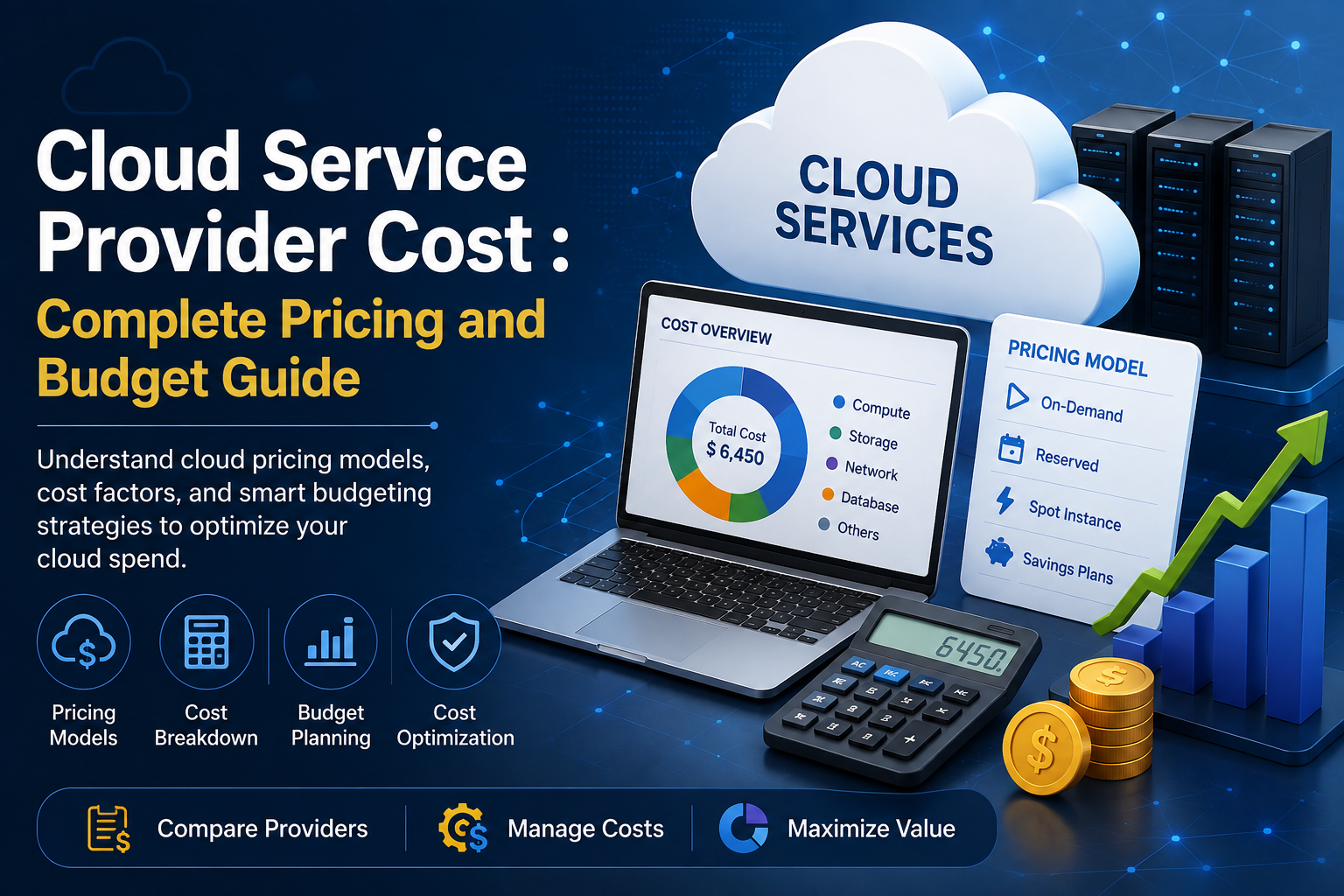

Cloud computing has become an essential part of modern business infrastructure, helping organizations reduce hardware investments, scale resources quickly, and access advanced technologies without maintaining large on-premises data centers. However, moving workloads to the cloud does not mean that infrastructure becomes free or automatically inexpensive. Understanding Cloud Service Provider Cost is critical for businesses that want predictable budgets, efficient resource utilization, and long-term value from their cloud investments.
Cloud pricing can vary significantly depending on the provider, services selected, workload size, storage requirements, data transfer, security needs, and support plans. A small business running a few applications may have very different cloud expenses from a large enterprise operating databases, AI workloads, analytics platforms, and thousands of virtual machines. This guide explains the major factors that influence cloud pricing and how businesses can create a realistic cloud budget.
What is Cloud Service Provider Cost?
Cloud Service Provider Cost refers to the total amount a business spends to use computing infrastructure, platforms, storage, networking, security, databases, software, and other cloud services provided through a cloud platform. Instead of purchasing and maintaining physical servers, organizations typically pay for the resources they consume.
Most major cloud providers use consumption-based pricing models. This means businesses may pay according to computing hours, storage capacity, API requests, database usage, network traffic, or other measurable resources. Some services also offer reserved or committed-use pricing, allowing organizations to reduce costs when they agree to use resources for a specific period.
The actual cost therefore depends less on simply choosing a cloud provider and more on how the organization’s infrastructure is designed and operated.
Major Factors That Influence Cloud Service Provider Cost
Compute Resources and Virtual Machines
Compute is often one of the largest components of a cloud infrastructure bill. Businesses pay for virtual machines, containers, serverless functions, or specialized computing resources used to run applications and workloads.
The price depends on factors such as processor capacity, memory, operating system, geographic region, and usage duration. Applications requiring high-performance CPUs or GPUs can significantly increase monthly spending.
For example, a basic web application may require only a small virtual machine, while machine learning, video processing, scientific computing, and large-scale analytics may require specialized GPU infrastructure. Understanding workload requirements before selecting compute resources can therefore have a major impact on overall Cloud Service Provider Cost.
Cloud Storage Requirements
Storage costs depend on the amount and type of data a business stores in the cloud. Cloud providers generally offer multiple storage tiers designed for different access requirements.
Frequently accessed data may require high-performance storage, while archival information can be placed in lower-cost storage tiers. Businesses should consider not only the amount of data they store but also how frequently that data needs to be accessed.
Organizations that continuously accumulate backups, logs, media files, database snapshots, and historical records can experience significant storage growth over time. A well-designed data lifecycle strategy can help prevent unnecessary storage expenses.
Data Transfer and Network Usage
Network costs are another important part of cloud budgeting. While transferring data within certain cloud services may be inexpensive or included in service pricing, transferring data between regions, providers, or the cloud and external systems can generate additional charges.
Businesses with high-volume applications, streaming platforms, content delivery systems, and data-intensive analytics environments should carefully evaluate network architecture. Reducing unnecessary data movement can help control cloud expenditure without compromising application performance.
Databases and Managed Services
Managed databases simplify infrastructure management because the cloud provider handles many operational tasks such as provisioning, backups, maintenance, and scaling. However, these conveniences contribute to the overall cost.
Pricing may depend on database capacity, storage, read and write operations, throughput, backup requirements, and availability configuration. Businesses should select database services based on actual application requirements rather than automatically choosing the most powerful configuration.
Managed services for analytics, messaging, application integration, monitoring, and machine learning can similarly add to monthly cloud expenses.
Common Cloud Pricing Models
Pay-As-You-Go Pricing
Pay-as-you-go pricing allows organizations to pay for resources according to actual usage. It provides flexibility and is particularly useful for businesses with variable workloads, development environments, testing projects, and new applications where future resource requirements are uncertain.
However, usage-based pricing can become difficult to predict if resources are not monitored carefully. A sudden increase in traffic, data processing, or storage can increase monthly spending.
Reserved and Committed Pricing
Businesses with predictable workloads can often reduce their Cloud Service Provider Cost through reserved instances, committed-use discounts, or similar long-term pricing programs.
These models generally provide lower rates in exchange for committing to specific resources or spending levels for a defined period. They can be useful for production applications that are expected to operate continuously.
The key is to avoid committing to more capacity than the organization is likely to use. Otherwise, the business may end up paying for unused resources.
Spot or Preemptible Resources
Some cloud providers offer discounted computing capacity that can be interrupted when the provider needs the resources for other customers. These options can significantly reduce computing expenses for suitable workloads.
They are generally more appropriate for flexible applications such as batch processing, testing, large-scale data analysis, and workloads that can tolerate interruptions. Critical applications that require continuous availability may not be suitable for this pricing model.
How Cloud Service Provider Cost Differs by Business Size
Small Businesses
Small businesses generally have relatively simple cloud environments involving websites, business applications, databases, file storage, and productivity tools. Their cloud budget can often remain manageable by selecting appropriately sized resources and avoiding unnecessary premium services.
The biggest challenge is usually uncontrolled resource usage. Even a small environment can accumulate unnecessary costs through unused virtual machines, excessive storage, or development resources that remain active outside working hours.
Medium-Sized Businesses
Medium-sized organizations typically have more applications, users, databases, integrations, and security requirements. Their cloud spending may include production environments, development and testing infrastructure, backup systems, analytics platforms, and monitoring tools.
At this stage, organizations benefit from implementing centralized cost monitoring and resource governance. Establishing ownership for cloud resources also helps identify which teams or applications are responsible for specific expenses.
Large Enterprises
Enterprises often operate complex multi-region or multi-cloud environments. Their Cloud Service Provider Cost can include thousands of compute resources, large databases, extensive storage, security platforms, analytics systems, AI workloads, and significant network traffic.
For these organizations, cost optimization becomes an ongoing discipline rather than a one-time activity. FinOps practices, automated monitoring, workload optimization, and long-term pricing commitments can play an important role in controlling infrastructure spending.
How to Build a Realistic Cloud Budget
Estimate Workload Requirements
The first step in creating a cloud budget is understanding what the business actually needs to run its workloads. Organizations should estimate compute capacity, storage requirements, database usage, network traffic, backup needs, and expected growth.
Instead of budgeting only for current usage, businesses should account for expected increases in users, transactions, data, and application traffic.
Separate Production and Non-Production Costs
Production workloads are usually continuously available, while development, testing, and staging environments may not need to run 24 hours a day.
Separating these environments makes it easier to identify unnecessary spending. Non-production resources can often be scheduled to shut down when they are not being used.
Include Security and Compliance Expenses
Cloud budgets should not focus exclusively on servers and storage. Security monitoring, identity management, encryption, backup, disaster recovery, compliance tools, and security assessments may also contribute to overall expenditure.
For regulated industries, additional security and compliance requirements can have a substantial effect on the final cloud budget.
Account for Growth
Cloud infrastructure should be budgeted with future growth in mind. An application that currently serves a few thousand users may eventually serve millions, while data requirements can increase continuously.
Creating multiple budget scenarios for current usage, expected growth, and high-growth situations can help businesses prepare for changing cloud expenses.
How to Reduce Cloud Service Provider Cost
Right-Size Cloud Resources
One of the most effective ways to reduce cloud spending is to match resources with actual workload requirements. Oversized virtual machines, databases, and storage systems can result in businesses paying for capacity they rarely use.
Regular performance and utilization analysis can reveal opportunities to reduce resource sizes without affecting application performance.
Remove Unused Resources
Unused resources can quietly increase monthly bills. Old virtual machines, unattached storage volumes, unused IP addresses, outdated snapshots, and inactive development environments should be identified and removed when they are no longer required.
Automated policies can help organizations detect and clean up unused infrastructure.
Use Automation for Cost Control
Automation can reduce unnecessary expenditure by adjusting resources according to demand. Applications with predictable traffic patterns can automatically scale resources up during busy periods and reduce capacity when demand falls.
Automated alerts can also notify teams when spending exceeds predefined thresholds.
Monitor Cloud Spending Continuously
Cloud cost management should be treated as an ongoing process. Businesses should monitor spending by application, department, environment, project, and service.
Regular analysis helps identify unexpected increases before they become significant budget problems. Cost dashboards and automated alerts can provide better visibility into changing expenditure.
Cloud Service Provider Cost: What Businesses Should Compare
When evaluating cloud providers, businesses should avoid comparing only the hourly price of virtual machines. A complete comparison should consider compute, storage, databases, networking, support, security, monitoring, backup, scalability, and service availability.
The cheapest individual service does not necessarily result in the lowest total infrastructure cost. Architecture, workload design, geographic requirements, operational efficiency, and available discounts can have a much greater influence on long-term expenditure.
Businesses should therefore evaluate the total cost of ownership rather than focusing on individual service prices.
Conclusion
Understanding Cloud Service Provider Cost is essential for businesses planning a successful cloud strategy. Cloud pricing is influenced by compute resources, storage, networking, databases, managed services, security, support, usage patterns, and pricing commitments. Because every organization’s workload is different, there is no universal cloud budget that works for everyone.
The best approach is to understand current and future workload requirements, select appropriate pricing models, monitor resource utilization, remove unnecessary infrastructure, and continuously optimize cloud environments. With proper planning and cost governance, businesses can take advantage of cloud scalability while maintaining greater control over their technology budgets.
Frequently Asked Questions
Q1. What is Cloud Service Provider Cost?
Cloud Service Provider Cost refers to the expenses businesses pay for cloud computing resources and services, including compute, storage, databases, networking, security, and managed services.
Q2. What factors affect Cloud Service Provider Cost?
Cloud Service Provider Cost is mainly affected by resource usage, computing capacity, storage requirements, data transfer, database usage, geographic region, security services, and pricing models.
Q3. How can businesses reduce Cloud Service Provider Cost?
Businesses can reduce costs by right-sizing resources, removing unused infrastructure, using reserved or committed pricing, automating resource scaling, and regularly monitoring cloud usage and spending.
Q4. Is cloud pricing based on monthly or hourly usage?
Most cloud providers offer usage-based pricing, where businesses pay according to the resources they consume. Depending on the service, charges may be calculated by the hour, second, request, storage capacity, or data volume.
Q5. How can businesses create an accurate cloud budget?
Businesses can create a realistic cloud budget by estimating compute, storage, database, networking, security, backup, and support requirements while also accounting for future workload and data growth.